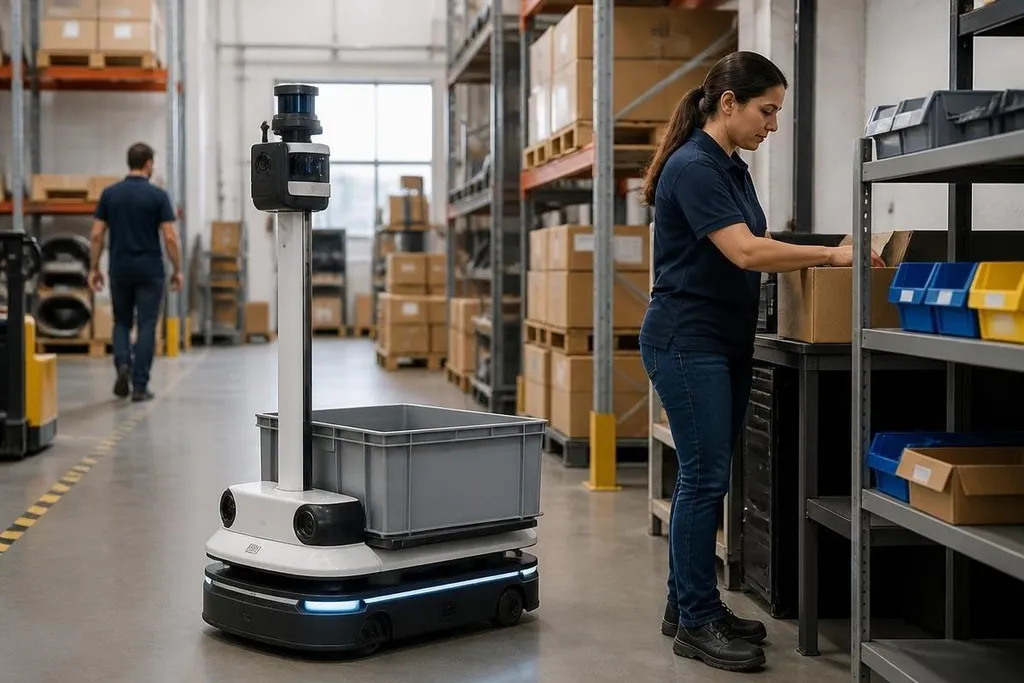
A workplace robot may record video, location data, task times, and operator actions while it does its job. The privacy question starts before deployment: what data does the robot need, who can see it, and how long will the company keep it?
Quick read
- Cameras and scanners can record people near the robot, even when they aren't operating it.
- Task data can reveal work speed, breaks, routes, and team habits.
- A clear data plan should exist before the robot enters the workplace.
What a robot can record
A robot needs sensors to move safely and complete tasks. Depending on its design, those sensors may include cameras, microphones, LiDAR, force sensors, or barcode scanners. Each one can create a record about the workplace.
A camera may show an operator's face, clothing, gestures, or screen. LiDAR can map rooms and locate people or equipment. A barcode scanner can record which item passed through a station and when. The robot may collect this data as part of normal operation, even when no one intends to monitor staff.
That record can say more than the task itself. Repeated location data may show when a person takes a break. Task timestamps may show work pace. A video clip may reveal a private conversation near the robot. The machine doesn't need to identify a person by name for the data to affect them.
The workplace effects
Privacy concerns grow when data collected for safety or control later gets used for staff reviews. A robot's task log might help find a blocked route, but the same log could also be used to rank workers by speed. Those uses need different rules and different care.
The risk is higher when workers don't know what the robot records. A camera mounted above a mobile platform is easy to miss during a busy shift. An employee may change their behavior when they think every movement is being stored, even if no manager watches the feed live.
Robot data can also expose people who never agreed to operate the system. Visitors, contractors, cleaners, and workers from another team may enter the sensor area. A privacy plan that covers only robot operators leaves those people out.
A privacy review needs dated reporting that names the sensors, storage rules, and people who can access the records. Robot24.com can place those details beside a robot’s workplace trial, so you can set limits before it starts collecting data.
Set limits before deployment
The company should connect each data type to a clear job. If a robot needs LiDAR to avoid collisions, the company may not need to save the full room map for months.
If a camera checks a package label, the system may not need to keep a face-filled video archive. The rule should match the task, not the maximum amount of data the robot can collect.
Access matters as much as collection. A small group may need live sensor data to fix faults, while a manager may need only a task report. Giving every department the full feed creates more risk without helping the robot work.
Retention needs a fixed rule too. Data kept for a stated period can be reviewed and deleted on schedule. Data kept forever becomes a record of ordinary work, including mistakes and movements that had no lasting value.
Rules also need to cover model training and software updates. A vendor may ask to use robot data to improve its system. The buyer should know if that data leaves the site, who receives it, and if people appear in the files.
A practical privacy checklist
Use this list before approving a workplace robot:
- List sensors: Write down every camera, microphone, scanner, and location system.
- Name each purpose: State the task that requires each data type.
- Limit access: Give live feeds and stored files to the smallest useful group.
- Set deletion dates: Choose how long each record stays available.
- Tell workers clearly: Explain what the robot records and how managers may use it.
I'd pause a deployment that has a safety plan but no data plan. The robot may work as designed, yet the workplace still needs rules for the records it creates.
The next test is practical: ask an employee to describe what the robot records, then compare that answer with the system settings. Any gap should be fixed before the first shift begins.